

 JK BMS 100A – JIKONG JK-BD4A20S10P Smart BMS with Active Balancing
₨ 0
₨ 0
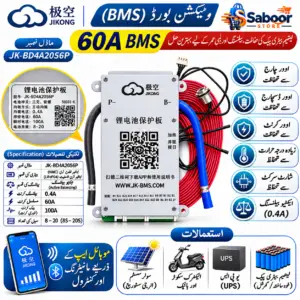
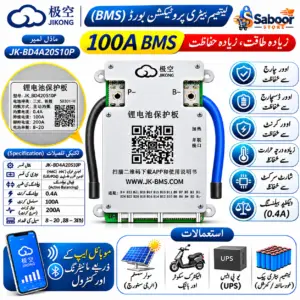
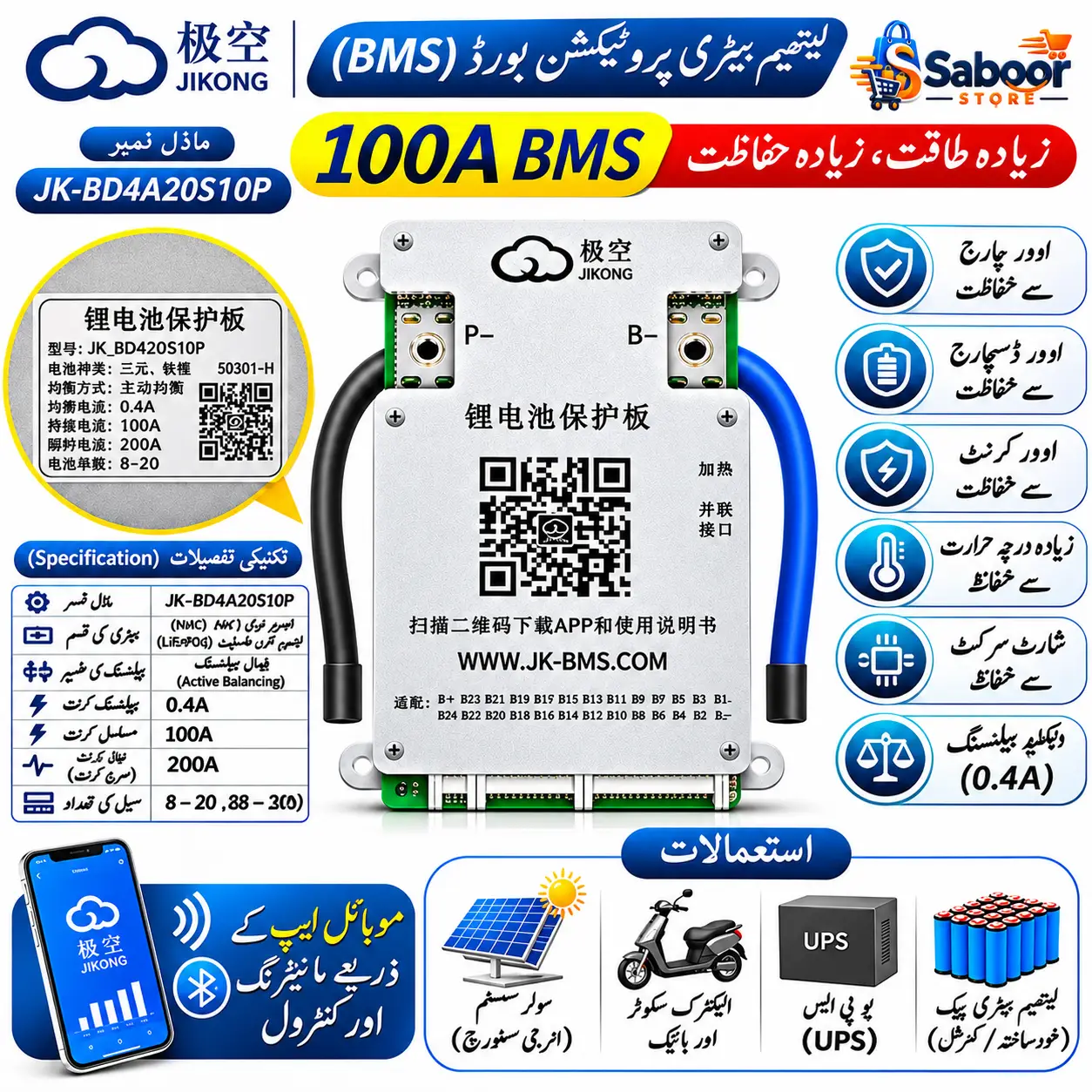
JK BMS 100A is a smart battery management board for compatible lithium battery packs. The JIKONG JK-BD4A20S10P model combines battery monitoring and protection functions with 0.4A active balancing.
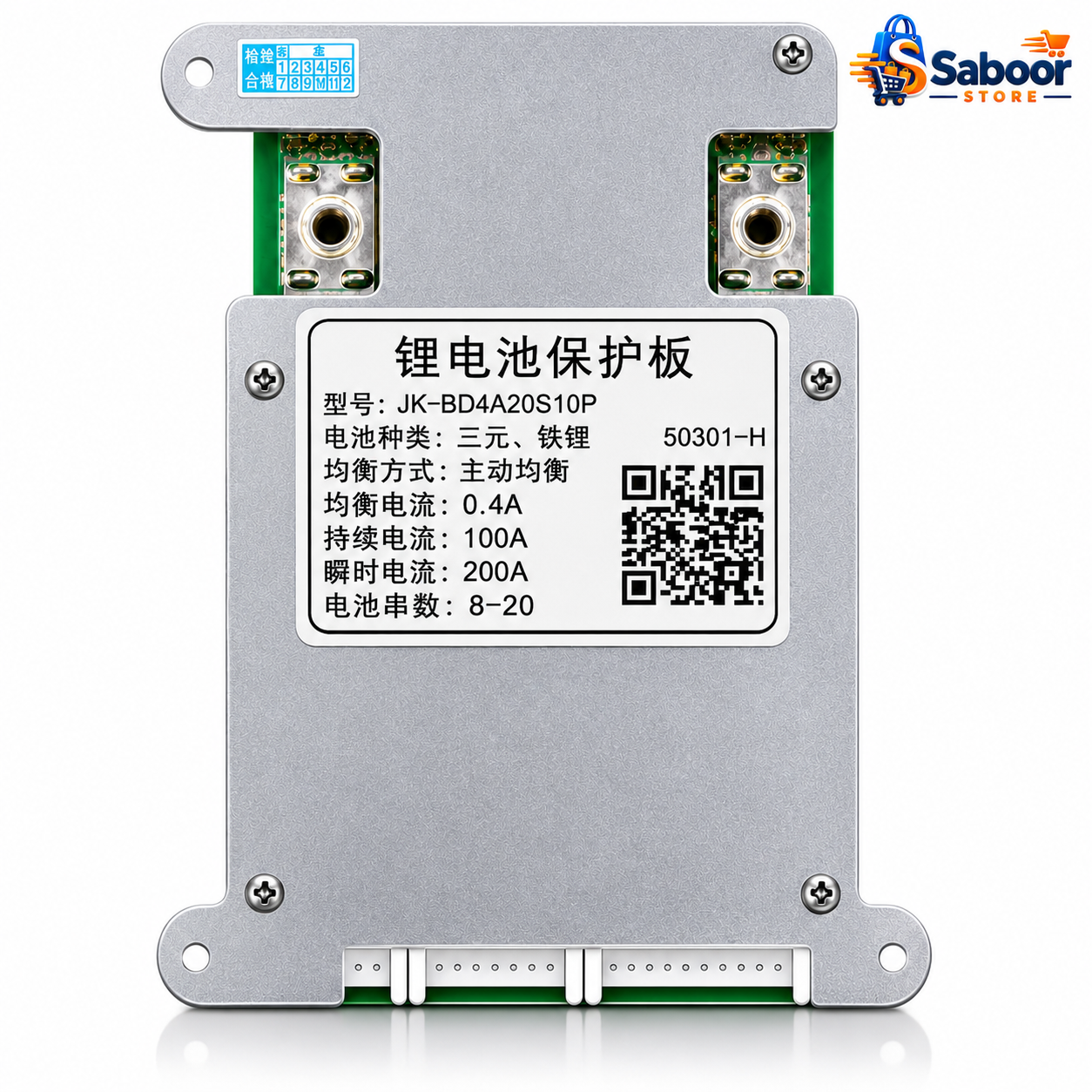
This listing covers the 8S–20S model. Confirm battery chemistry, series count, load requirements and the actual hardware revision before installation.
Bluetooth monitoring and supplied accessories should be checked against the package contents. Installation and configuration should be completed by a qualified battery technician.
JK BMS 100A is a smart battery management board for compatible lithium battery packs. This listing covers the JIKONG JK-BD4A20S10P model with active balancing, battery monitoring and protection functions. Select it only after checking that the actual board matches your battery chemistry, series configuration and electrical requirements.
A suitable battery management system should be chosen around the complete installation. The cells, charger, connected equipment, wiring and protection settings all need to work together. A current rating alone does not establish compatibility with a particular inverter, UPS, scooter or electric bike.
The active-balancing function helps manage differences between cell groups in a compatible series-connected battery pack. Balancing supports battery management, but it does not repair damaged cells or replace the need to assemble a pack using suitable cells.
The balancing-current figure is different from the main charge and discharge rating. It should not be interpreted as the charging current of the complete battery. Check the supported balancing settings in the documentation for your unit.
Bluetooth app monitoring provides access to supported battery information when the required communication hardware is present. Confirm the Bluetooth arrangement included with your unit and use the app identified by the manufacturer.
Available readings and configuration options depend on the board revision and firmware. Features shown for a different JK model should not automatically be assumed to apply to this version.
This product is intended for battery monitoring and protection within a correctly designed pack. Protective operation depends on correct wiring, suitable parameters and functioning sensors. Configure the board using the cell manufacturer’s specifications and the manual for the exact BMS revision.
Confirm the supported voltage, current, temperature and short-circuit protection functions before commissioning. A BMS does not replace correctly specified external fuses, suitable cables or a charger matched to the battery.
Li-ion and LiFePO4 batteries require different voltage settings. Check that the actual unit supports your chosen chemistry and series count before purchase. Do not select a battery profile simply because its total voltage appears close to another battery type.
The series count describes the number of cell groups connected in series. It does not necessarily describe the total number of individual cells in a pack with parallel groups. Have a battery technician confirm the configuration if you are unsure.
This board may be considered for a compatible battery pack used in energy storage, backup power or an electric vehicle. Each application requires its own checks, including continuous load, charging demand, surge behaviour and the operating environment.
A scooter’s motor controller and an inverter can draw current differently. Check the requirements of the actual equipment rather than selecting the BMS only by an advertised application category.
Do not treat a peak-current marking as a continuous operating rating. Any permitted surge current must be used within the duration and conditions stated in the documentation for the actual board.
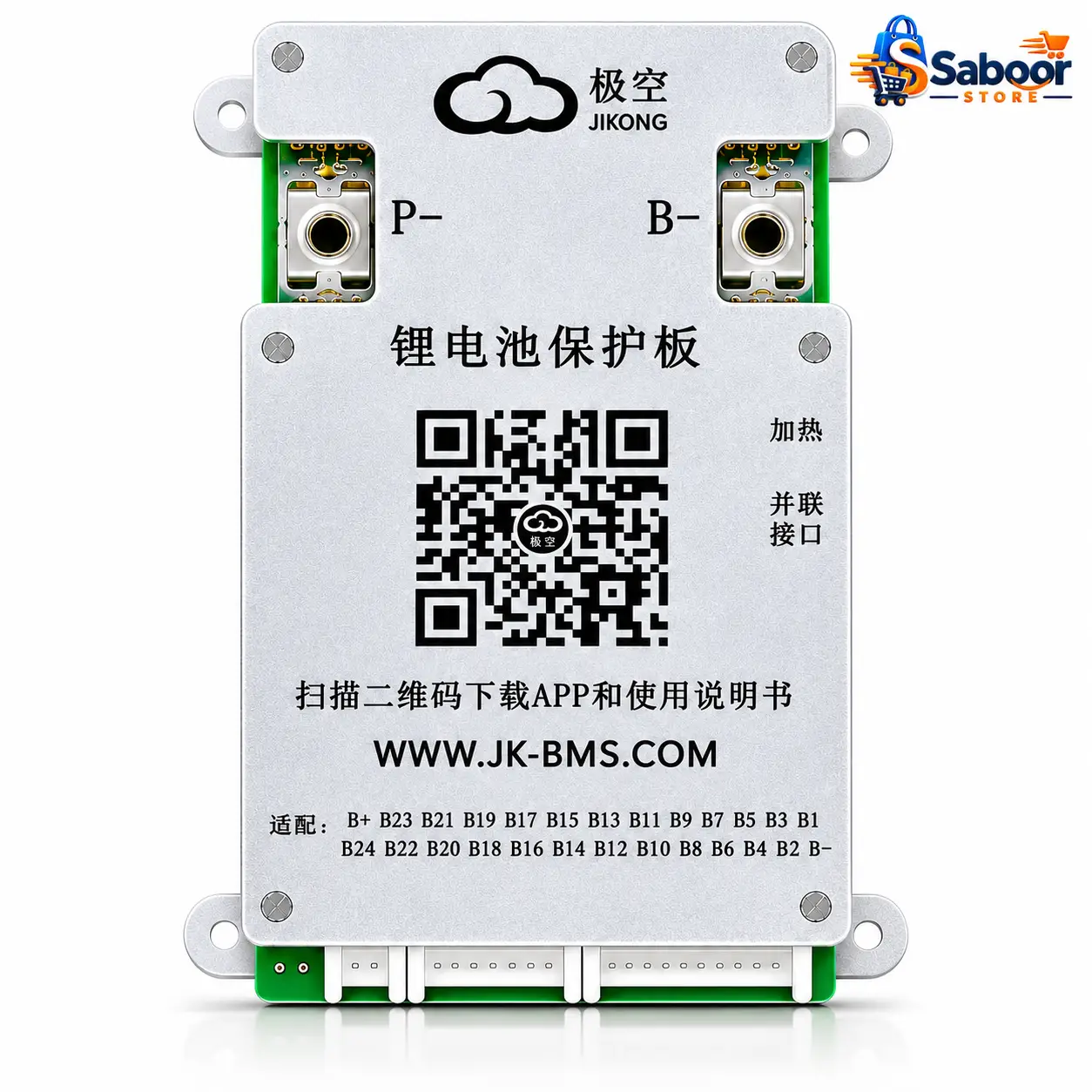
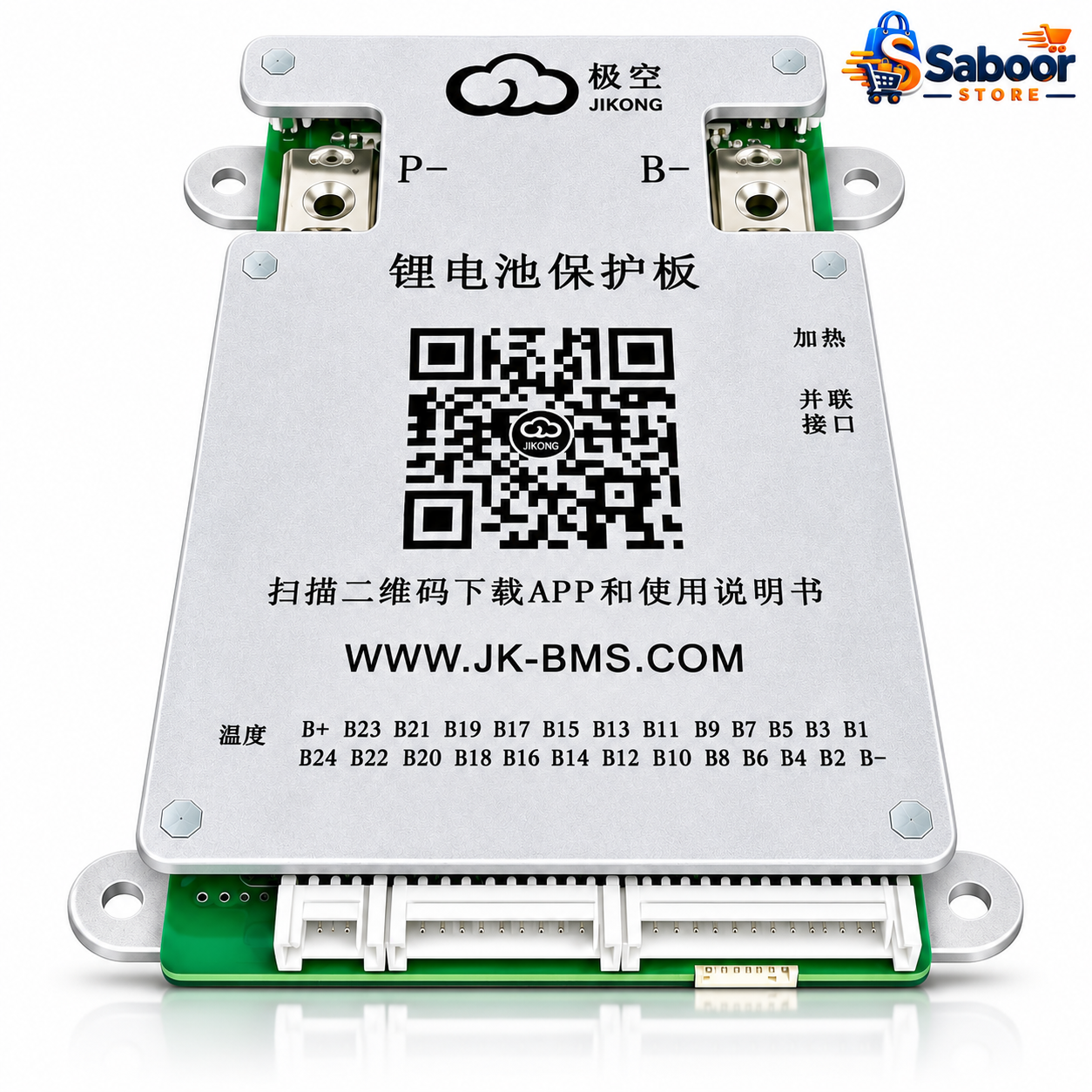
The pictured enclosure carries B− and P− markings. These identify different circuit connections and must not be treated as interchangeable. Wire colour alone is not a reliable installation guide.
Installation should be completed by a qualified battery technician using the correct manufacturer wiring diagram. The technician should verify the sensing harness, connection sequence, insulation, temperature sensors and configured cell count before putting the battery into service.
Use documentation for the exact model and revision. Incorrect power connections or sensing-wire order can damage both the BMS and the battery.
The image shows one BMS board with attached power leads. Confirm whether a sensing harness, temperature probes, switch or Bluetooth accessory is supplied with your order. Do not assume that every accessory shown in another listing is included.
The illustrated phone, solar panel, scooter, UPS and battery cells are application examples. They are not included in this board-only listing.
No. Amperes describe current, while ampere-hours describe battery capacity. Select the BMS according to the complete pack and load requirements.
No. Chemistry, series count, current requirements and hardware compatibility must all be checked.
Bluetooth monitoring does not establish CAN or RS485 support. Confirm those interfaces separately if your inverter requires them.
Yes. The battery requires charging equipment suitable for its chemistry and configuration. The BMS is not a charger.
Order JK BMS 100A from Saboor Store after confirming your battery requirements. Review the actual model label, supplied accessories, current price and warranty terms before checkout.
For manufacturer information, visit the JK BMS website and obtain documentation matching the model and hardware revision supplied.
Added to cart
Check out our shop to see what's available
JK BMS 100A – JIKONG JK-BD4A20S10P Smart BMS with Active BalancingWhatsApp us